

Knowing your VidMate download location helps you find, move and share your saved files. It also helps when your phone's memory fills up, because you can switch new downloads to an SD card. This guide covers both. Learn more about the VidMate app, or get the newest file from our download VidMate page.
Where Are Files Saved by Default?
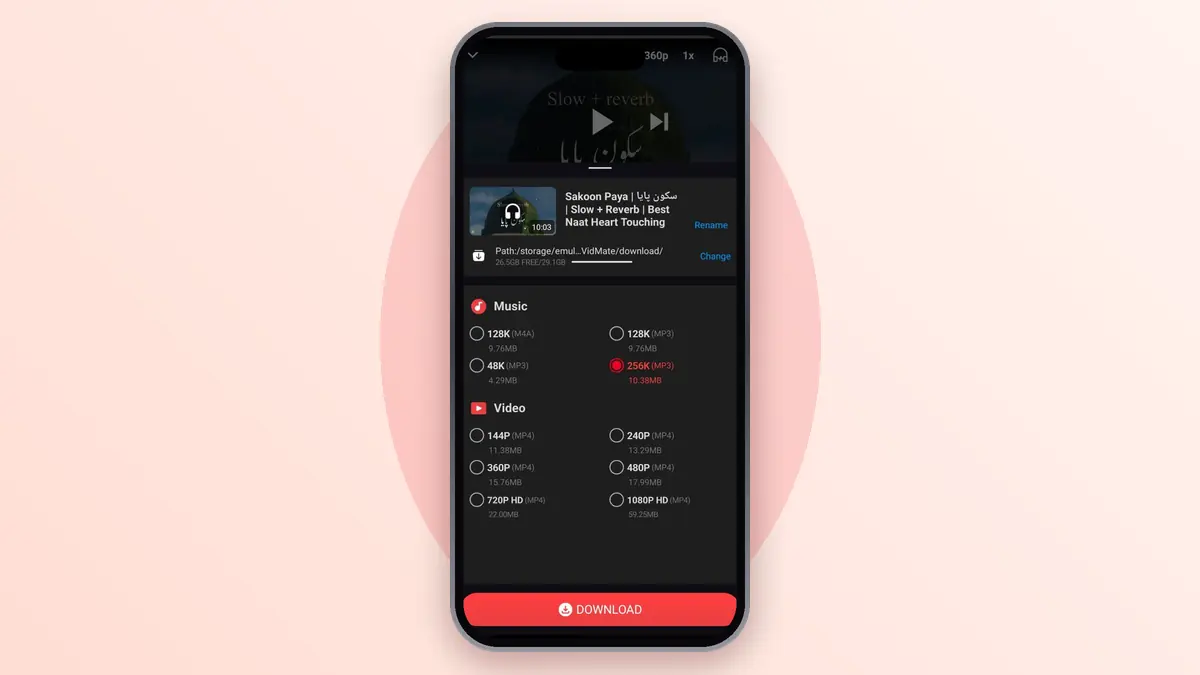
New downloads go into the VidMate/download folder on your phone's internal storage. The exact path shows at the top of the download screen. To see the files:
- Open your phone's Files app (it may be called My Files or File Manager).
- Tap Internal storage.
- Open the VidMate folder, then download.
You can also see every file inside the app by opening My Files.
How to Change the Download Location
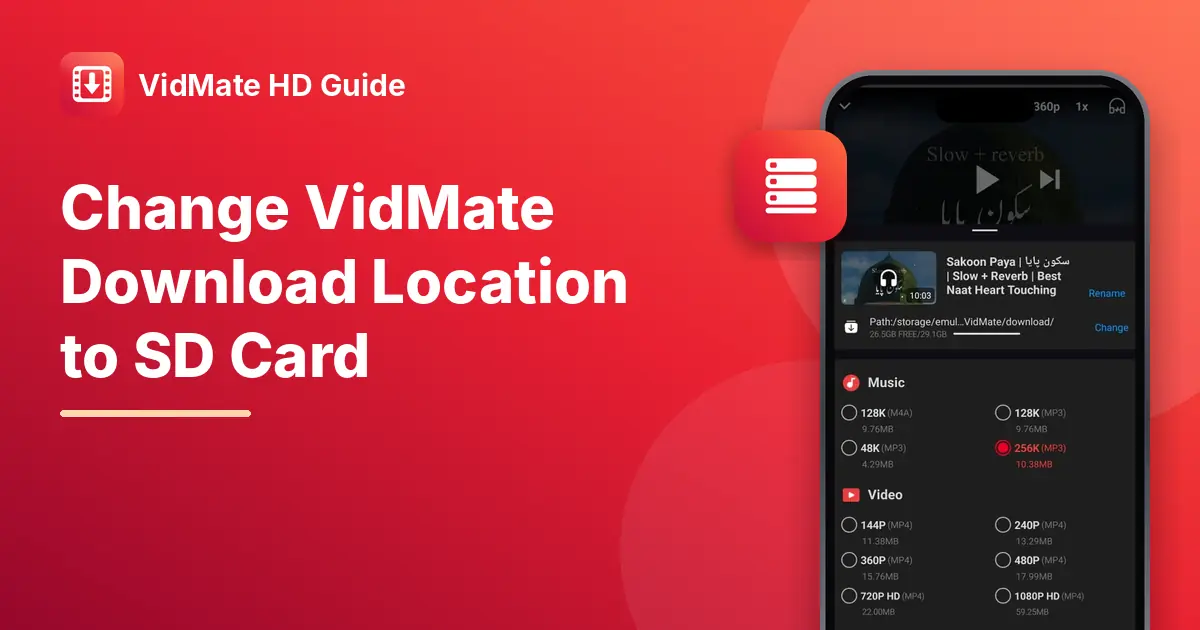
Quick way: when you tap download on a video, the path appears at the top of the screen with a Change button next to it. Tap Change and pick your SD card or another folder.
From settings:
- Tap Me in the bottom menu.
- Tap Settings.
- Find the download location option.
- Choose your SD card or another folder.
- Go back. New downloads now go to the new place.
Files you already saved stay where they are. Only new downloads use the new location.
Move Old Files to the SD Card
- Open your Files app and go to the app's folder.
- Select the videos you want to move.
- Tap Move, choose your SD card, and pick a folder.
If you move them, the app may no longer list them in My Files. You can still play them from your Files app or gallery.
Why the SD Card Option May Be Missing
No SD card is inserted. Check your phone's card slot.
The card isn't set up. Some phones ask you to format a new card first. Open Settings, then Storage, and follow the steps.
Your phone blocks app access. Newer Android versions limit how apps write to SD cards. If the app can't save there, keep downloading to internal storage and move the files later.
Keep Your Storage Tidy
- Delete videos you've already watched from My Files.
- Pick 480p instead of 1080p for clips you'll only watch once.
- Save music as MP3 rather than full videos.
Frequently Asked Questions (FAQs)
Where does VidMate save MP3 files?
In the same app folder, usually in a music section, and in the Music list inside the app.
Why can't I see my videos in the gallery?
Some gallery apps skip new folders. Open your Files app, or restart the gallery app.
Will changing the location delete my old downloads?
No. Old files stay where they were.
Can I save directly to a USB drive?
Most phones don't allow apps to save straight to USB. Save to your phone first, then copy the files.
Is this site linked to the app makers?
No. We're an independent guide site.