

A VidMate update brings fixes for sites that stopped working, faster downloads and small design changes. Because the app isn't on the Play Store, it doesn't update itself the way most apps do. This guide shows the safe way to update and what to do if something goes wrong. See what the app offers on our VidMate homepage, or get the newest file on our download VidMate page.
How to Tell If You Need an Update
You probably need one if:
- YouTube or another site has suddenly stopped downloading
- The app shows a message about a new version
- Downloads fail that used to work fine
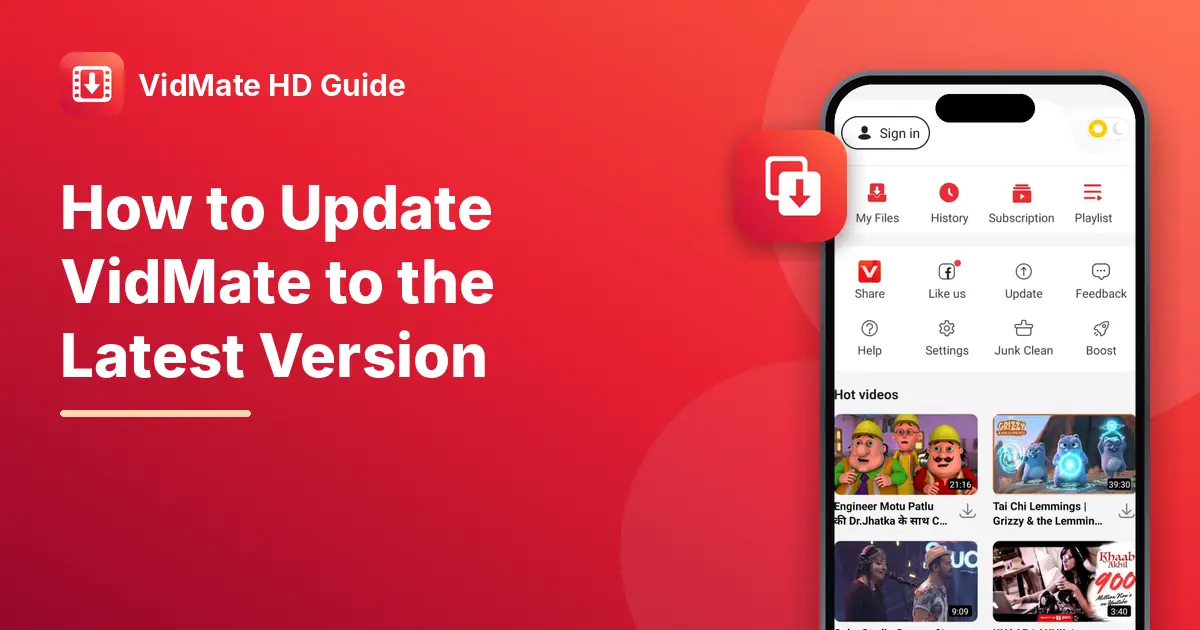
To check your current version, open the app, tap Me, then Settings, and look for the version number. The splash screen also shows the main version when the app starts. The latest version is 6.0345.
How to Update Safely
- Go to our download page and tap the download button.
- When the file finishes, open it.
- Your phone will ask if you want to install an update to the existing app. Tap Install.
- Open the app. Your downloads and settings are still there.
Don't uninstall first. Installing the new file on top of the old one keeps your saved list and settings. Only uninstall if the update fails.
What About the In-App Update Message?
The app has an Update button under Me, and it may also show its own update pop-up. It's fine to use it, but always check that the file it gives you is the right size. If you're unsure, download the update from a trusted page instead.
If the Update Fails
"App not installed." The new file may be signed differently from your old copy. Uninstall the old app, then install the new file. Your saved video files usually stay in storage, but the app's list and settings will reset.
Update installs but the app crashes. Clear the app's cache in your phone's settings, then open it again.
The new version is worse on your phone. Go back to an older build from our old versions page until the next update.
How Often Should You Update?
Check every few weeks, or whenever a site stops working. Updates matter most for YouTube, which changes its pages often.
Avoid Fake Updates
Fake "update" pop-ups on random sites are a common trick. Watch out for:
- Pages that say your app is "out of date" and push you to download from them
- Updates that ask you to pay or log in
- Files much bigger or smaller than about 35.3 MB
Frequently Asked Questions (FAQs)
Will updating VidMate delete my downloads?
No, as long as you install the new file over the old one.
Why doesn't VidMate update from the Play Store?
The app isn't on the Play Store, so updates are installed by hand.
What's the latest version?
The newest version on our site is 6.0345.
Can I go back to an old version after updating?
Yes. Uninstall the new one and install an older build from our old versions page.
Is this site run by the app makers?
No. We're an independent guide site.