


Is VidMate safe? It's a fair question, since the app isn't on the Play Store and you install it from a file. The short answer: the genuine app is generally fine when you get it from a trusted page and keep its permissions in check, but fake copies are a real risk. This post explains what to watch for. Learn more on our VidMate homepage, or get the real file from our download VidMate page.
Why People Worry
Apps from outside the Play Store don't go through Google's review, so you have to do a few checks yourself. On top of that, popular apps attract copycats. Many sites offer a "VidMate APK" that's been changed to show extra ads, collect data, or install other apps.
How to Spot a Fake File
| Check | Real file | Fake file |
|---|---|---|
| Size | About 35.3 MB | Much bigger or smaller |
| Cost | Free | Asks for payment or a "key" |
| Login | None needed | Asks for email or phone number |
| Permissions | Storage, notifications | Contacts, SMS, calls |
| Download page | Direct download | Surveys or extra apps first |
Permissions: Allow These, Refuse These
Allow: storage or files access, so the app can save your videos. Notifications are optional, for progress updates.
Refuse: contacts, SMS, call logs, and location. The app doesn't need any of these to download videos.
To check, open your phone's Settings, go to Apps, pick the app, and tap Permissions. Turn off anything that isn't needed.
Ads in the App
The free app shows ads. Some may open web pages or suggest other apps. You don't have to install anything an ad suggests. Close the ad and carry on.
Keep Play Protect On
Google Play Protect scans apps on your phone, even ones from outside the store. Leave it switched on. If it warns you, check the file size and permissions. If anything looks wrong, uninstall the app.
Is It Legal?
Installing the app is legal in most places. What you download is what matters. Many sites, including YouTube, say in their terms that you shouldn't download videos without permission. Songs and films belong to their owners. Use the app for content you own, videos with a free licence, or where the site allows downloads, and never re-upload other people's work as your own. This isn't legal advice, since laws differ from place to place.
A Quick Safety Routine
- Download only from one trusted page.
- Check the file size before installing.
- Allow only the storage permission.
- Keep Play Protect on.
- Update regularly, from the same trusted page.
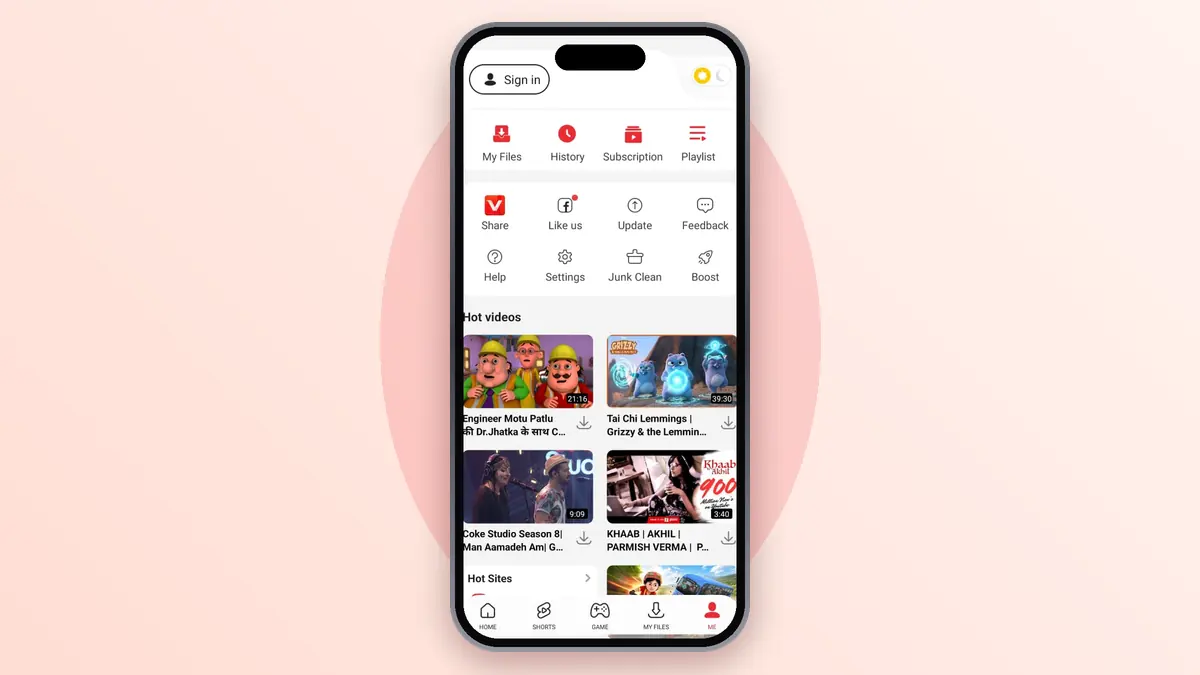
Frequently Asked Questions (FAQs)
Is VidMate a virus?
The genuine app isn't a virus, but fake copies can carry harmful code. Check the size and permissions to be sure you have the real one.
Why does Play Protect warn about it?
Play Protect warns about many apps from outside the store. A warning alone doesn't mean the file is harmful, but always check it.
Does the app steal data?
The real app doesn't need your personal data. If a copy asks for contacts or SMS, uninstall it.
Is it safe to log in to sites inside the app?
Logins go to the site itself, but if you're unsure, use the copy-link method instead, which needs no login.
Is this site linked to the app makers?
No. We're an independent guide site and don't host any videos.